Updating inventory quantity
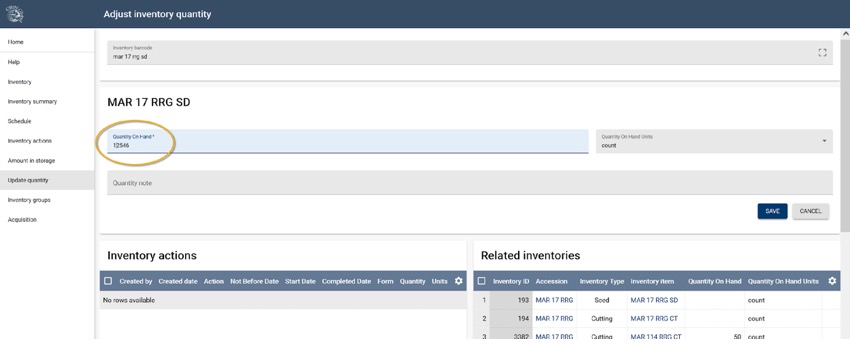
To adjust inventory quantities, you can either scan a barcode or manually enter an inventory identifier. This action allows you to access the Adjust inventory quantity window, where all relevant quantity fields are clearly displayed. For future reference, when making changes to inventory levels, e.g. a recount or an audit correction, you should indicate the rationale behind these adjustments in the Quantity note.
Reading weights from electronic balances
GGCE supports reading weights directly from Bluetooth-enabled electronic balances. This feature is supported in Chrome and Edge on desktop and Android devices (iOS is not currently supported). To use this function, ensure your electronic balance is equipped with Bluetooth 4.0 or higher.
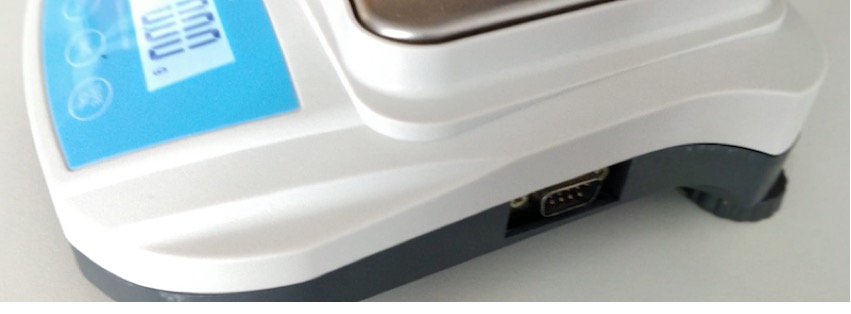
In GGCE, you will see a button marked with a Bluetooth symbol. Click this button to initiate the connection to your electronic balance.

Once connected, click the weight reading button to trigger a measurement. The system will capture a single reading and populate it into the corresponding field in your digital form. This is supported for both the Quantity On Hand and Hundred Seed Weight fields.
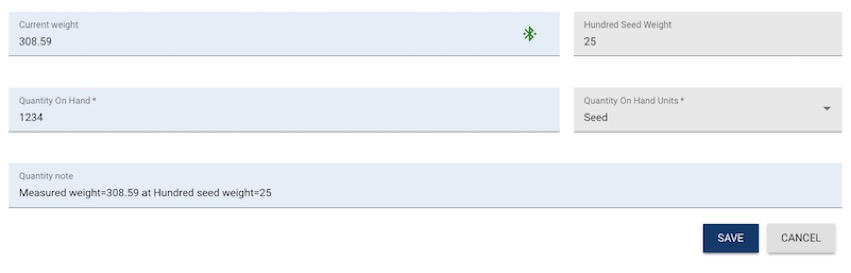
If you have set the Quantity On Hand Units to “Seed”, the captured weight will be automatically converted into a seed count based on the value provided in the Hundred Seed Weight field.