Storage navigator
The Storage navigator helps you locate inventory items at specific locations. Filter by Maintenance Site or by any of the four storage location fields.
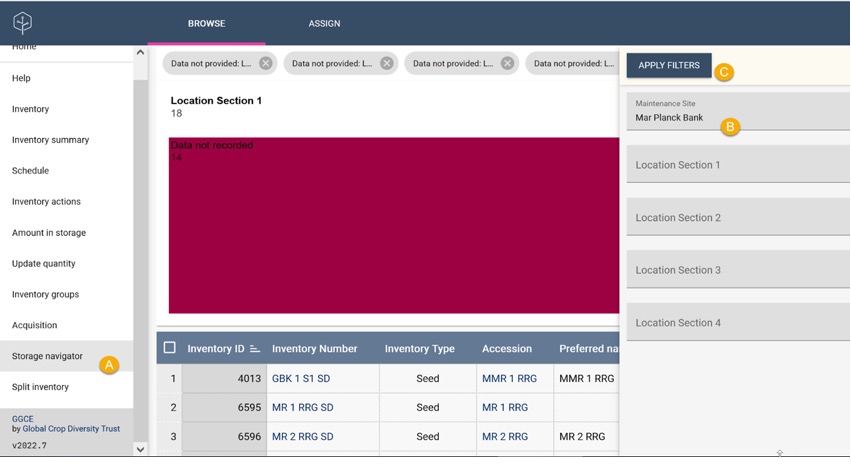
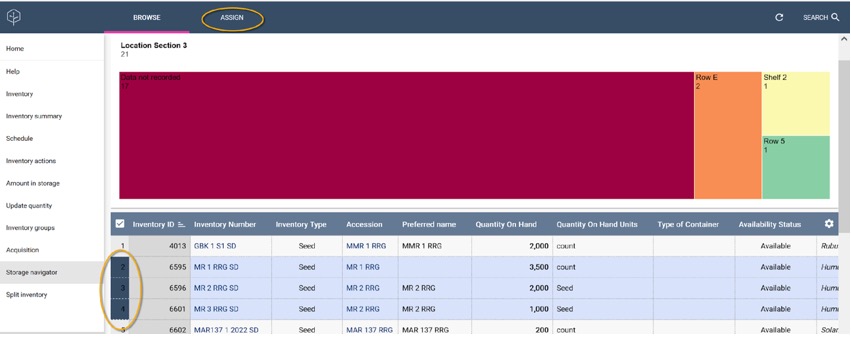
Assigning location in storage
The storage navigator also lets you assign storage locations to selected inventory items.
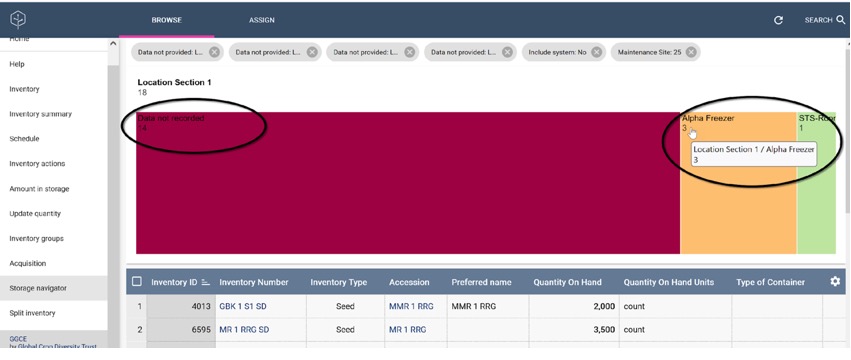
Missing storage location information
Use the storage navigator to identify inventory items with missing location information.
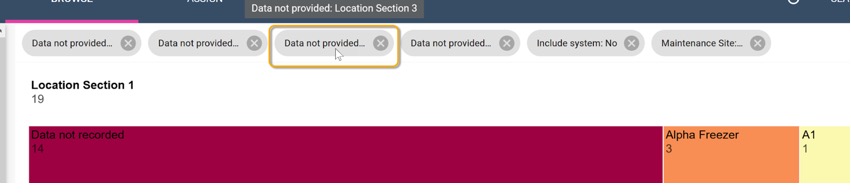
Use the filters at the top of the window to refine your results.
Rapid inventory registration
The Inventory registration tool lets you use the system immediately, without waiting for all existing documentation to be imported.
You can perform a physical inventory directly in the system, barcode each packet, and record its quantity and location. You can also add missing accession numbers.
Follow this workflow:
- Select a rack, shelf, or box in the storage room.
- Go to Inventory > Storage navigator and view existing data for that location.
- Take the first seed packet or in vitro plantlet.
- Click Add inventory item.
The Add inventory item form has three sections: one to find or register the accession, one to select the inventory maintenance policy and label template, and a main section for entering inventory information.
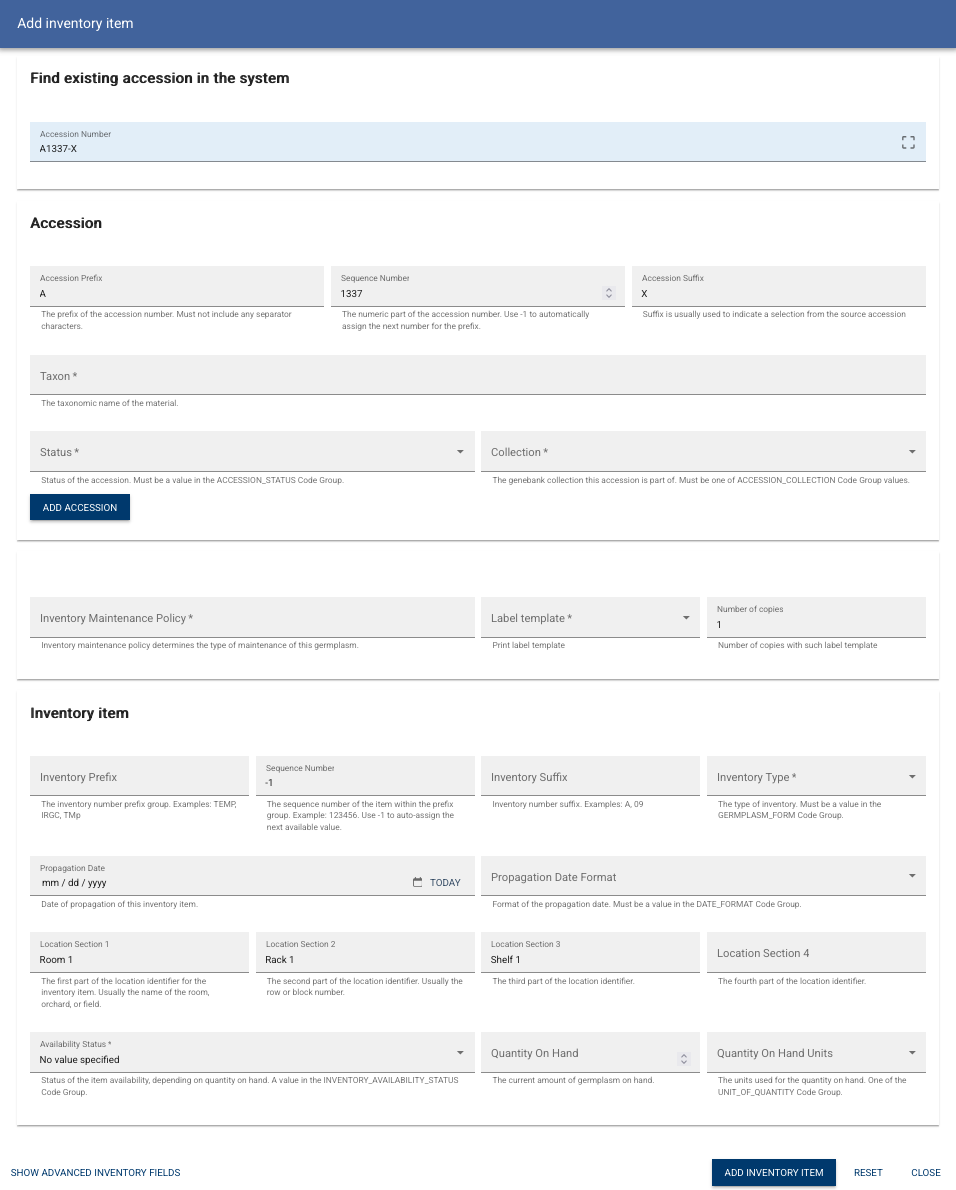
To register the first packet:
- Enter the accession number from the packet.
- If missing, enter the taxon and register the accession.
- Select the inventory maintenance policy and barcode label template.
- Enter basic packet information, such as inventory type and availability status.
- You can also record the propagation date and current quantity.
- Advanced mode allows you to record additional details, such as initial seed viability and moisture content.
- Labels print automatically when the item is added; the form remains open.
- Repeat from step 5 for the remaining packets at this location.
This approach lets the documentation team move passport data into the system in parallel.