GGCE 2026.4
2026.4 adds a new Workflows area for users, adds a Custom labels tool for printing arbitrary ZPL labels, and extends Test features with generated browse pages for genetic markers, locations and crops. The distribution Packaging workflow is now driven by scheduled order-item actions. Inventory management includes a map view, coordinate picker, custom barcoding labels and storage-location filtering improvements. Accession and viability data entry are improved, attachments support direct camera capture, and the release includes fixes for table selection, SSR hydration, batch deletion and generated forms.
For upgrade instructions, see the upgrading instructions.
For the complete list of changes, see:
Workflows for users
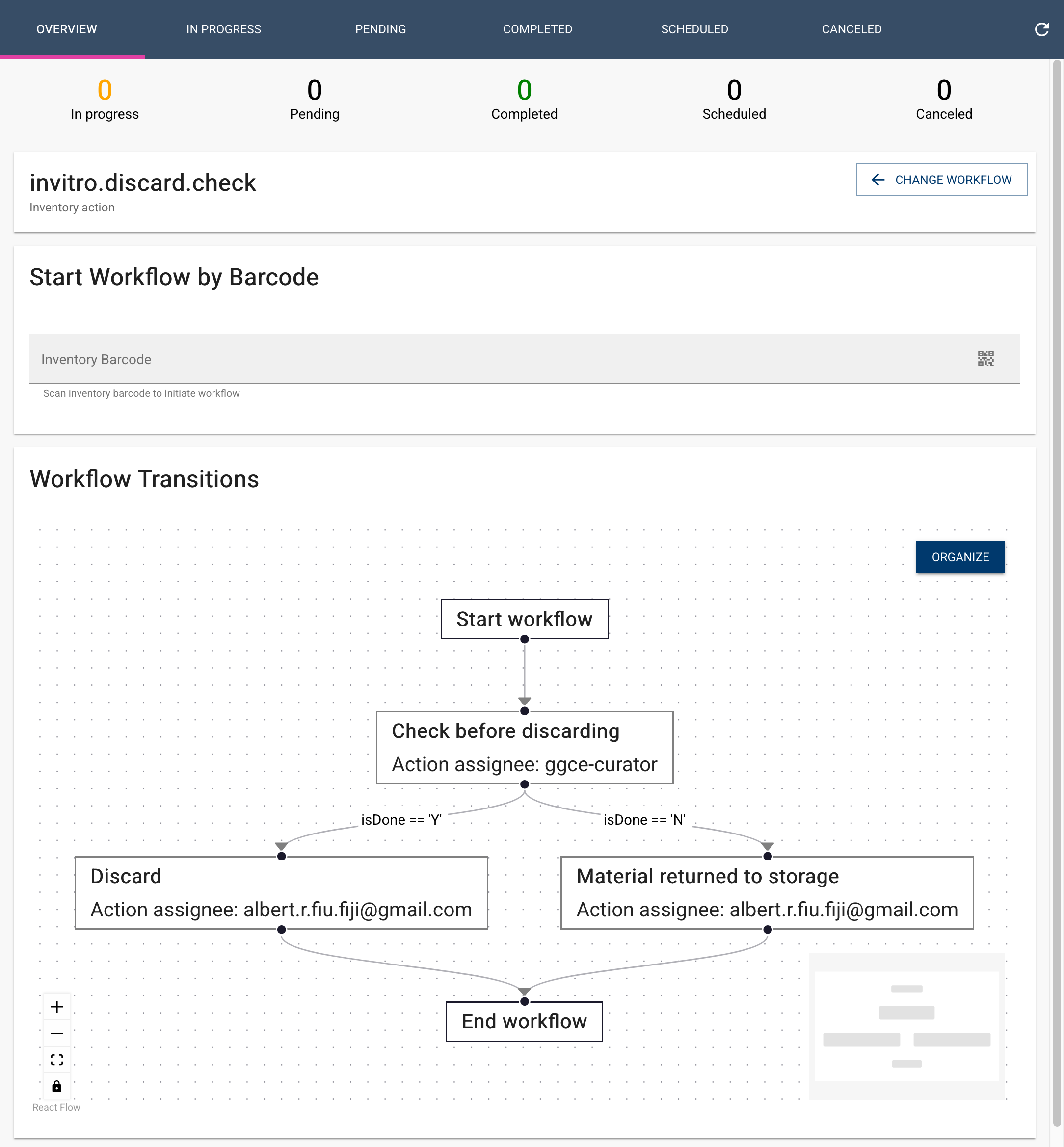
A new Workflows area lets users browse active workflows and start them. Active workflows load with component-level pagination, workflow diagrams are shown in read-only mode, and workflow forms require a title and accept an optional description for workflows and their steps.
See Running workflows.
Distribution and packaging workflow
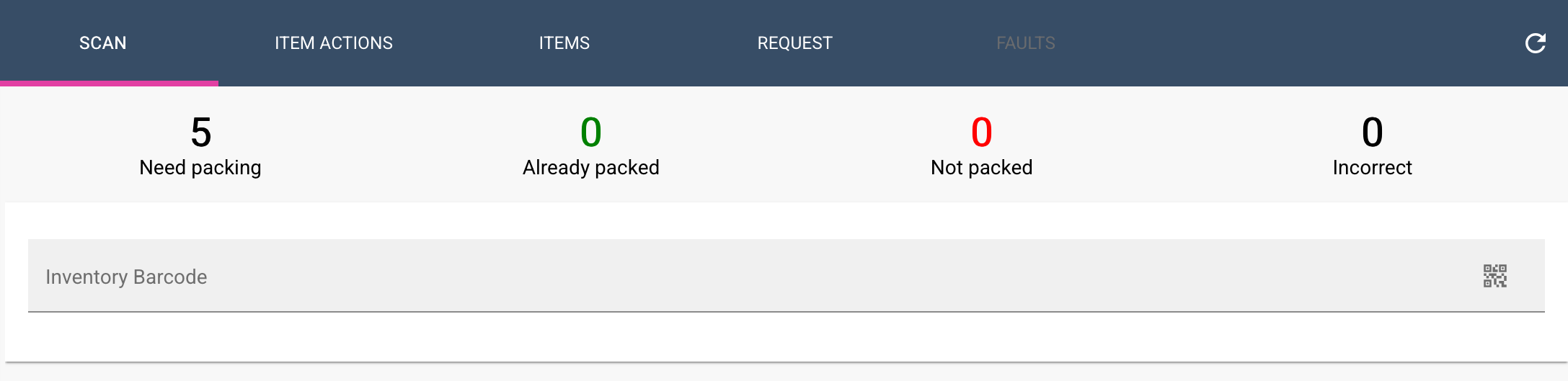
The Packaging page drives the packaging process through scheduled order-item actions. The Request details page adds filtering for items and actions, a checklist flow, recently verified items, and the ability to schedule Verify item and Pack actions by item status. The packaging page uses sound alerts and supports electronic balances.
See Packaging request items and Verify items.
Custom labels
A new Custom labels page under Test features lets you print arbitrary ZPL labels from pasted data. Select an administrator-registered label template, paste tab- or comma-separated data matching the template variables, set the number of copies (1–100 per row), and send the job to the Label Printer app. Use these labels for storage locations, benches, shelves, growth rooms, or any other item that needs a scannable barcode.
See Custom labels.
Site-aware order requests
Order requests now include a Site field, and the request details page supports Auto-split to divide a request when its active items belong to more than one inventory site. When all active items share a site, the action assigns that site to the request. When items span multiple sites, the largest group stays in the original request and the remaining groups move into new copies, with the moved items marked as SPLIT.
Users see only requests for sites they are authorized to access, and inventories added to a request must belong to the assigned site.
See Sites and auto-split and Distribution requests.
Inventory
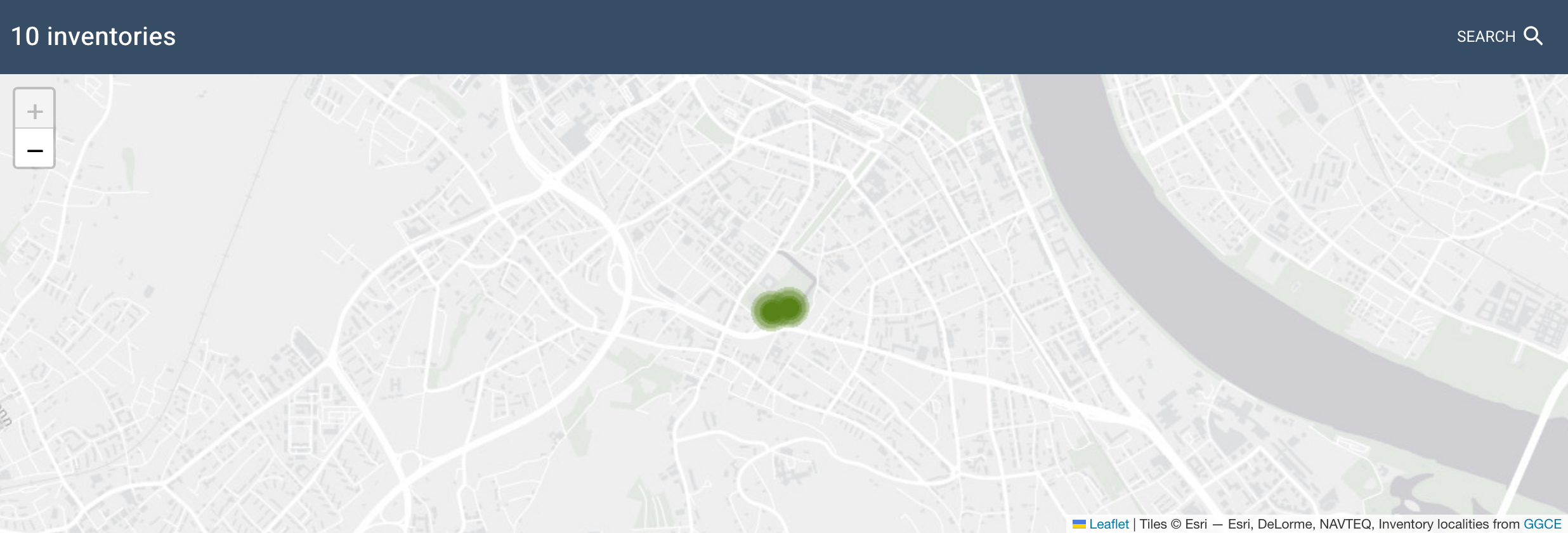
- A map view shows inventory locations and a coordinate picker is available on inventory forms.
- Inventory views add latitude and longitude filters.
- Inventory quality has independent permission controls.
- Storage-location filtering uses single-option filters, submits on Enter and clears empty values.
- Inventory scan results saved to Excel include the Checked status.
- Handheld scanner input works again in the inventory location section.
- Batch deletion reports partial success and errors.
See Map and Storage location.
Accessions and taxonomy
- Accession action views include method filtering, sortable and paginated tables, and action-filter drawers.
- Accession summary tree labels for actions and name groups are easier to read.
- Administrative-division filters (ADM1 through ADM4) are available for accessions and geography views.
- Suggested prefixes for accession and inventory fields improve naming consistency, and prefix values are preserved when returning from preview.
- Germplasm names can again be selected for edit or delete in the browser.
- Adding a name in the accession browser resolves the system inventory.
- Taxonomy displays family names.
See Passport data and GRIN taxonomy.
Seed viability
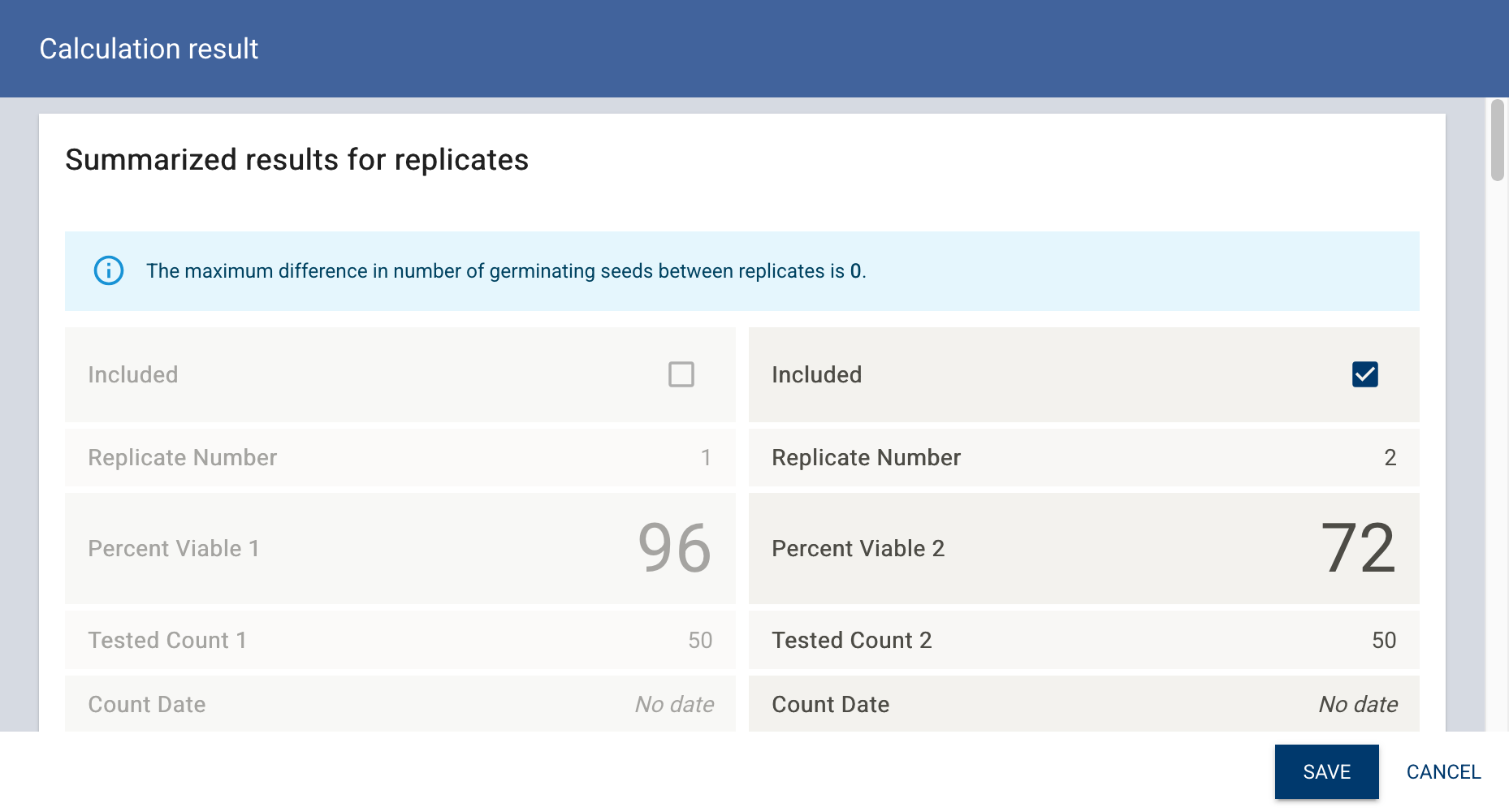
- Replicates can be excluded from viability calculations, and the tables show an
includedcolumn. - The Prepare order view displays result and date.
- Audit-information filters in seed viability return expected results.
See Seed viability.
Attachments
You can capture photos directly from the camera when pressing the Upload a Picture button. Still photos are captured at the camera's maximum resolution and the aspect ratio is preserved.
See Attachments.
Test features
The Test features module now uses a generated form and table framework and adds several browse pages:
- Inventory actions with category tabs.
- Pathogen and symptom management, using generic forms.
- Genetic marker and Location lab browse pages.
- A crop browse page with trait and code tabs.
- Inventory group management and inventory reference renderers.
See Test features.
Other improvements and fixes
- The Express server can use an internal API URL for OpenID endpoints.
- Table row selection, drag/deselection and SSR hydration were fixed.
- Distribution pages no longer preload all pages, which improves performance on large requests.
- The Jump to accession barcode scanner is faster.
- Security and permission handling are hardened.